描述
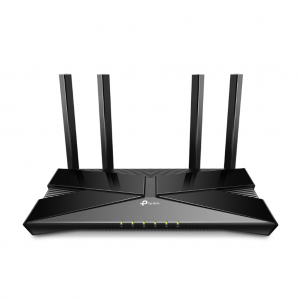
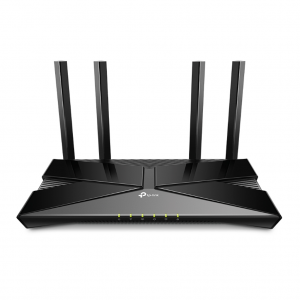
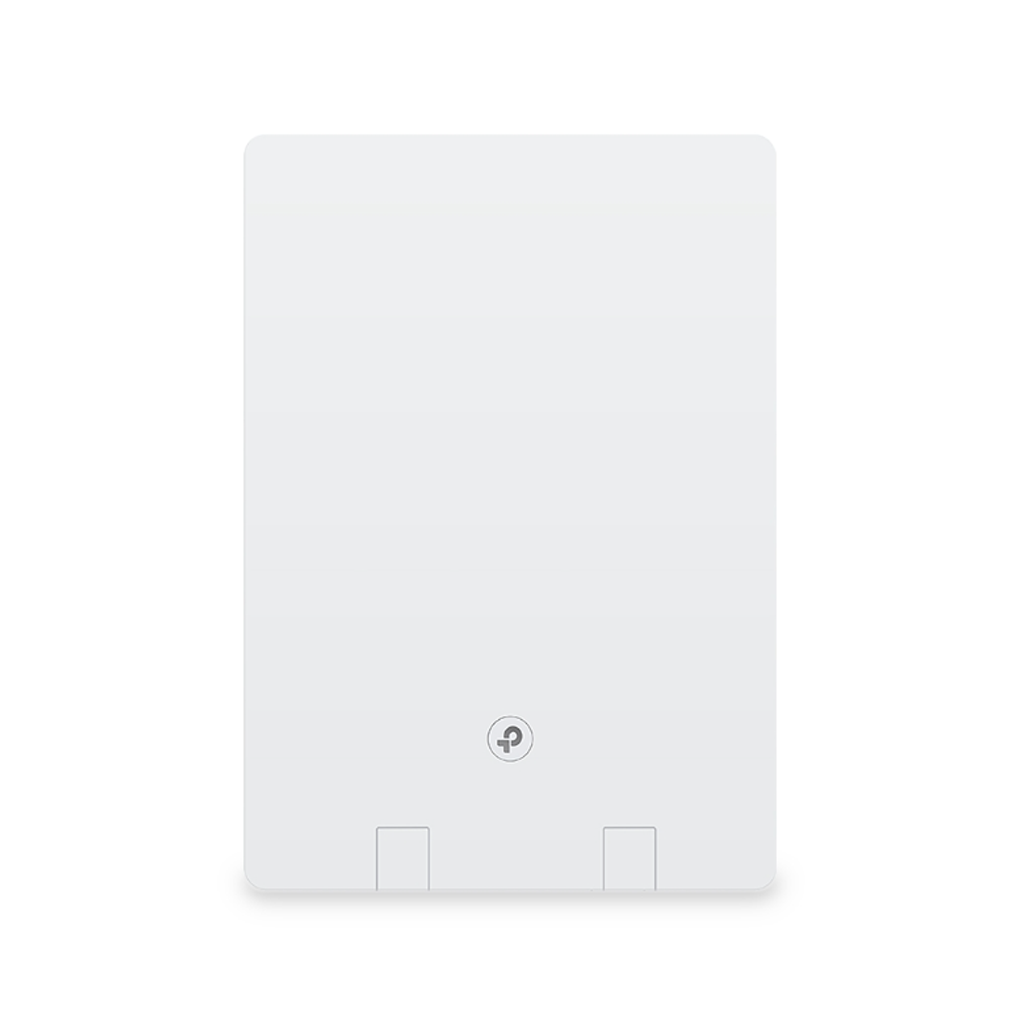
TP-Link Archer Air R5
AX3000 Dual-Band Wi-Fi 6 Air Router
Features
- Next-Gen Gigabit Wi-Fi 6 Speed
- Smart Antennas
- Ultra-Low Latency
- TP-Link HomeShield
- EasyMesh-Compatible
- Flexible Installation
Specifications
| WIRELESS | |
| Standards and Protocols | Wi-Fi 6 IEEE 802.11ax/ac/n/a 5 GHz IEEE 802.11ax/n/b/g 2.4 GHz |
| WiFi Speeds | AX3000 5 GHz: 2402 Mbps (802.11ax, HE160) 2.4 GHz: 574 Mbps (802.11ax) |
| WiFi Range | 3 Bedroom Houses
Multiple antennas form a signal-boosting array to cover more directions and large areas Beamforming High-Power FEM |
| WiFi Capacity | High
Dual-Band OFDMA Airtime Fairness 4 Streams |
| Wireless Mode | Router Mode AP Mode |
| SECURITY | |
| Network Security | HomeShield Security
Real-Time IoT Protection |
| Guest Network | 1× 5 GHz Guest Network 1× 2.4 GHz Guest Network |
| VPN Server | PPTP ServerN OpenVPN ServerN |
| WiFi Encryption | WPA/WPA2 WPA3 WPA/WPA2-PSK |
| HARDWARE | |
| Ethernet Ports | 1× Gigabit WAN Port 1× Gigabit LAN Port |
| Buttons | WPS Button Reset Button |
| SOFTWARE | |
| Protocols | IPv4 IPv6 |
| Service Kits | HomeShield |
| EasyMesh | Mesh networking creates smooth, fast, stable roaming. Archer Air R5 can build an EasyMesh network with devices that use EasyMesh technology. Eliminate Wi-Fi dead zones, expand your network, and fill your entire home with high-speed Wi-Fi. |
| Parental Controls | HomeShield Parental Controls
Custom Profiles |
| WAN Type | Dynamic IP Static IP PPPoE PPPoE + Dynamic IP PPPoE + Static IP L2TP + Dynamic IP L2TP + Static IP PPTP + Dynamic IP PPTP + Static IP |
| Quality of Service | QoS by Device |
| Cloud Service | FOTA Firmware Upgrade TP-Link ID DDNS |
| NAT Forwarding | Port Fowarding Port Triggering DMZ UPnP |
| IPTV | Profile Bridge Custom Allowed range of VLAN ID |
| DHCP | DHCP Server Address Reservation DHCP Client List |
| DDNS | TP-Link NO-IP DynDNS |
| Management Features | Tether App Webpage |